Turn your videos, posts and notes into LinkedIn and X content
CannerAI reads what you have already made and drafts posts in your writing voice. It publishes to LinkedIn and X through their official APIs, on your schedule.

See how it works
Watch how CannerAI helps you go from idea to viral social media post in seconds.
Product Walkthrough
1:45 • High Definition
Everything you need to dominate social media
See the difference data-driven tools make for your personal brand.
Smart Scheduling
Optimized by CannerAI
AI Content Writer
Optimized by CannerAI
Viral Templates
Optimized by CannerAI
Context Vault
Optimized by CannerAI
Topic Inspiration
Optimized by CannerAI
Consistent Branding
Optimized by CannerAI
One platform, two ways to win
Choose the workflow that fits your day. Deep research in our web app, or instant engagement on social media.

CannerAI
Our powerful web workspace for serious content creators and marketing teams.
- Research-to-post writing
Input a URL or topic; get a ready-to-publish social media post.
- Direct publish & scheduling
Set it and forget it. Canner handles the queue.
- Templates & Context Vault
Reusable templates and centralized context management.
CannerAI Extension
An intelligent companion that lives where you work: right inside your social media platforms.
- Saved replies library
Access your best answers in one click.
- One-click insert anywhere
Works in comments, DMs, and post editors.
- Save context to vault
Press Ctrl+Shift+Z to save any page context directly to your Context Vault.
Find the idea, then write it in your voice
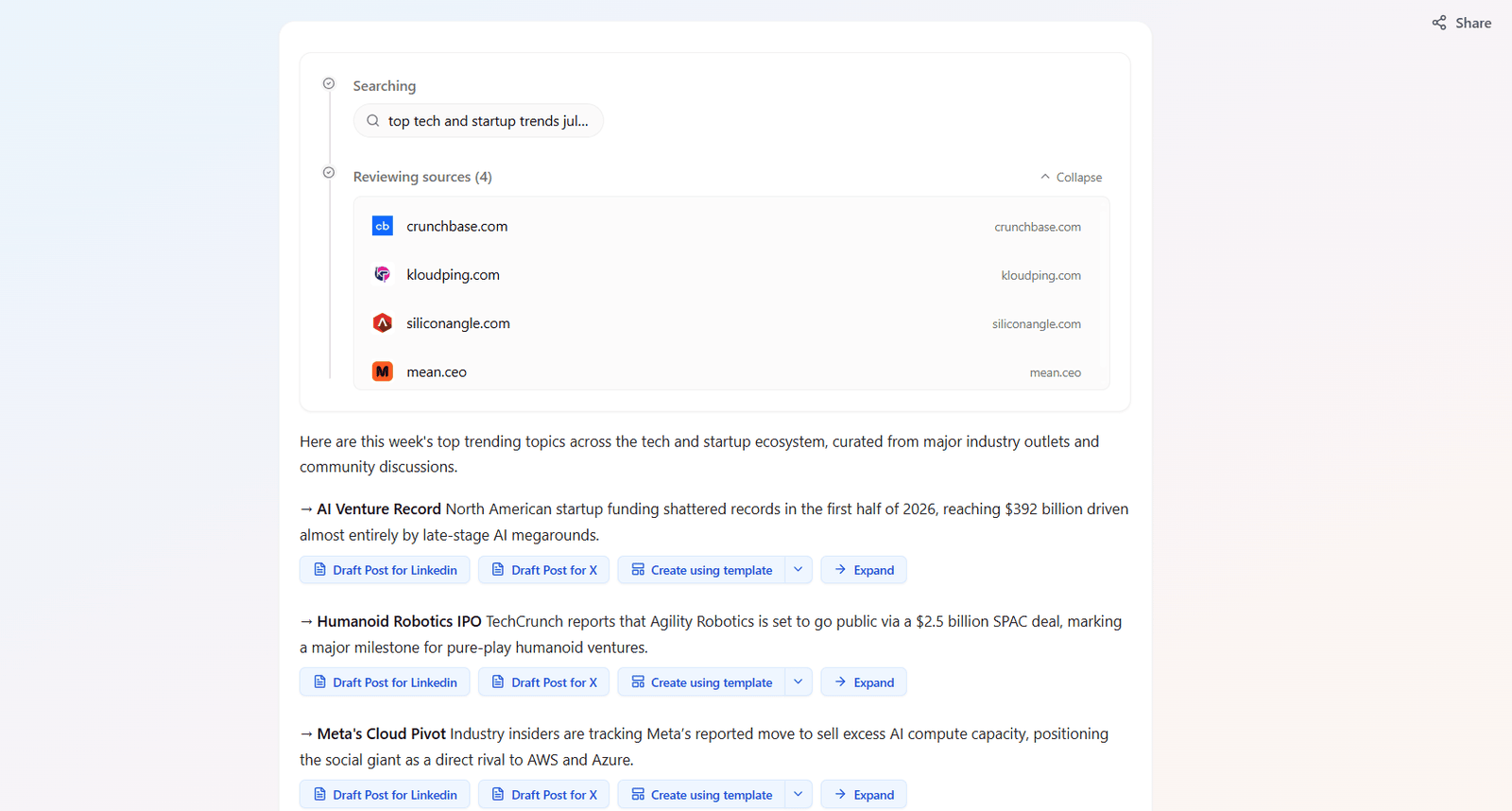
Find the right idea before you write.
Tap trending topics, repurpose any URL, and save research — so you never start from a blank page.
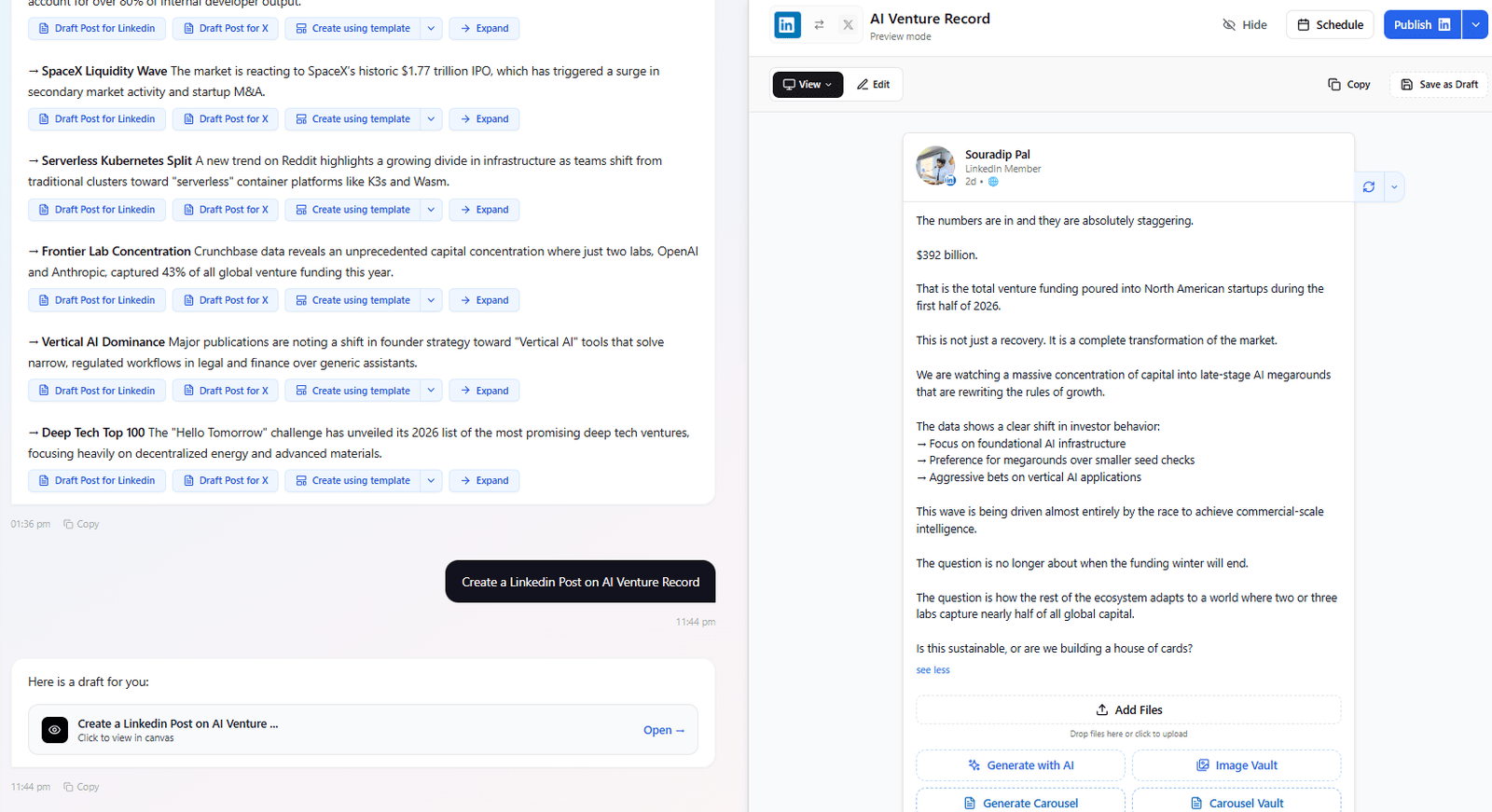
Write and design content that sounds like you.
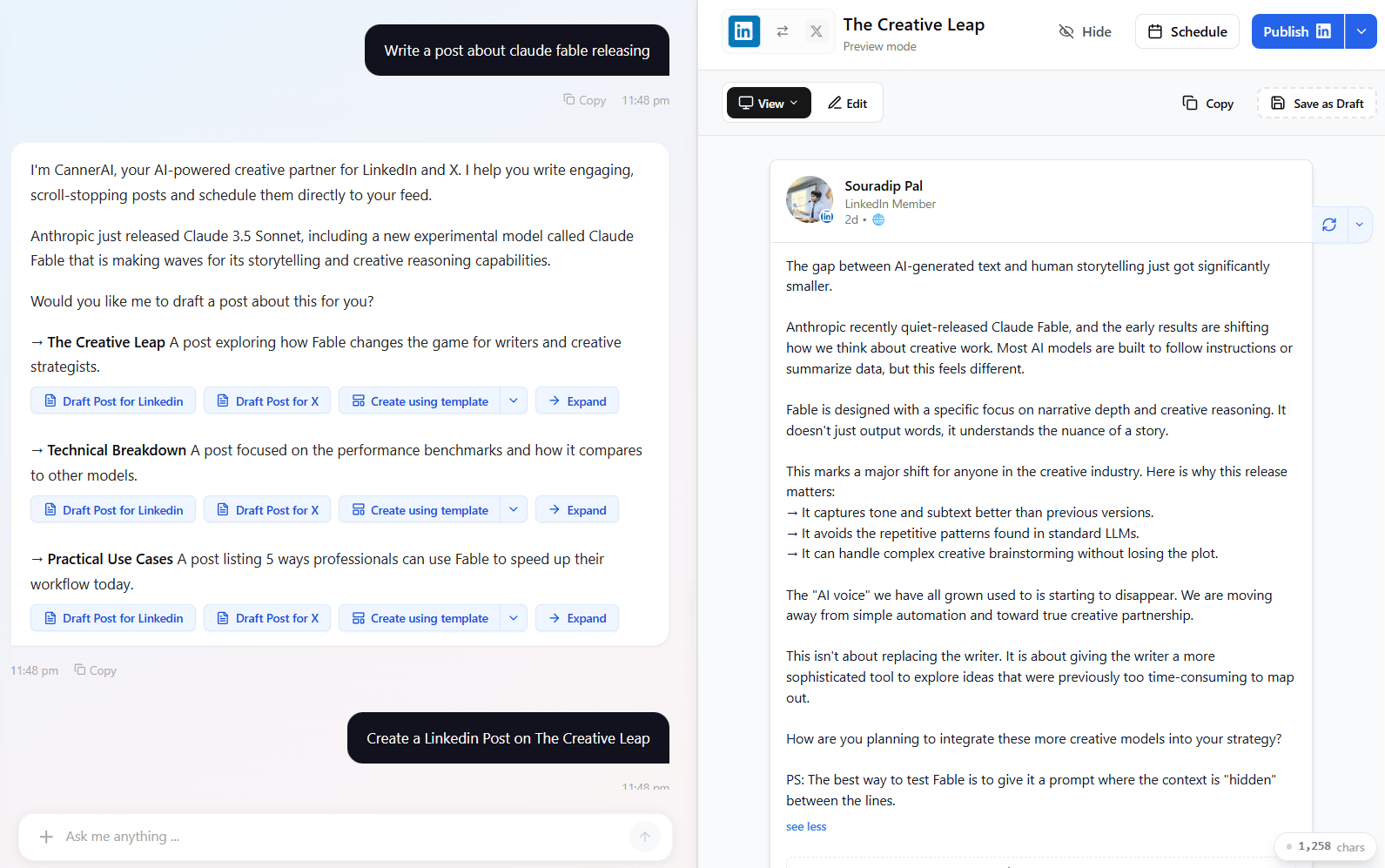
AI drafts in your voice, carousel decks, on-brand images — all from one editor.
Real Creators. Real Growth.
Thousands of founders and creators have trusted CannerAI with their social media presence — and many have grown beyond what they imagined.


Canner is the perfect tool for scheduling posts, especially the YouTube to post features, takes a lot of work off of my shoulders. Easily saving HOURS with canner. It writes EXACTLY like I write, give me ideas and fixes things that I had to manually do. Strongly recommend this 10/10 product.


Read more before you decide
Start free. Upgrade when you want to publish.
The free plan needs no credit card. Creator adds publishing and scheduling, and starts with a 7-day trial you can cancel in one click.
Free
No credit card
Features
- 3 saved drafts
- Unlimited AI chat
- 3 AI images per month
- 1 YouTube video to post per month
- 5 Context Vault items
- 20 AI memories
- Chrome extension included
- Publishing to LinkedIn or X
- Scheduling
- Custom templates
Creator
Billed monthly
Features
- Scheduled posts (queued): Unlimited
- Unlimited Custom Templates
- 30 YouTube to Post
- 120+ Post Templates
- 300 items Context Vault
- Priority support
- 30 AI images
- 30 Carousels pages
- Advanced viral hooks Coming soon
- Shared Workspace
- Admin/Editor roles
Teams
Not open for sign-ups yet. Email piyush@cannerai.com to be told when it is.
Features
- Unlimited Scheduled Posts
- Unlimited Brand voice
- Multi-brand personas
- Shared Workspace & Workflows
- Admin/Editor/Viewer roles
- Invite teammates by link (cannerai.com/invite)
- Priority support
- 30 AI images per user
- 30 Carousels pages per user
- Advanced viral hooks Coming soon
Frequently Asked Questions
What CannerAI is, what the plans cost, and how it connects to your accounts.
CannerAI is an AI content workspace for LinkedIn and X. It writes posts in your own voice from your videos, articles and saved research, and publishes them on a schedule through official APIs.
CannerAI was founded in 2026 by Piyush Sachdeva, an engineer based in the Greater Toronto Area, Canada, who works in Technical Solutions at Google and runs the YouTube channel Tech Tutorials With Piyush.
ChatGPT writes from a blank prompt and cannot publish. CannerAI writes from your own material, matches the voice in your past posts, and publishes to LinkedIn and X on a schedule.
No. Describe what you want to post about, or paste a link to your video or article, and CannerAI drafts it. You edit, schedule or publish from the same screen.
The free plan costs nothing and needs no credit card. The Creator plan is $9 a month and adds publishing and scheduling, starting with a 7-day free trial.
Unlimited AI chat, 3 saved drafts, 3 AI images a month, one YouTube video turned into a post each month, 5 Context Vault items and the Chrome extension. Publishing and scheduling need Creator.
You can request a full refund of any charge during the 7-day trial by emailing team@cannerai.com. After the trial, subscription fees are non-refundable except where the law requires otherwise.
Yes. Upgrade or downgrade at any time from your dashboard. Upgrades are prorated immediately; downgrades take effect at your next billing cycle.
Yes. CannerAI reads the posts you write, save and rate, and adapts its drafts to your wording and sentence rhythm. The match gets closer the more posts it has to learn from.
Yes. CannerAI publishes to both LinkedIn and X through their official APIs. You can post the same content to both with platform-specific formatting.
CannerAI Pro is the web app: drafting, scheduling, the Context Vault and image generation. The Chrome extension writes posts and replies inside the LinkedIn and X feeds. Most people use both.
Yes. CannerAI uses LinkedIn's official OAuth and X's OAuth 2.0 PKCE flow. It does not read cookies, automate browser clicks, or breach either platform's terms. Your password is never stored.
Yes. Disconnect LinkedIn or X at any time from your dashboard settings. Disconnecting revokes CannerAI's OAuth access immediately.
The extension runs on Chrome and other Chromium browsers such as Brave and Edge. There is no Firefox build yet.