How to Repurpose One YouTube Video Into 10 LinkedIn Posts and X Threads (The Exact System)
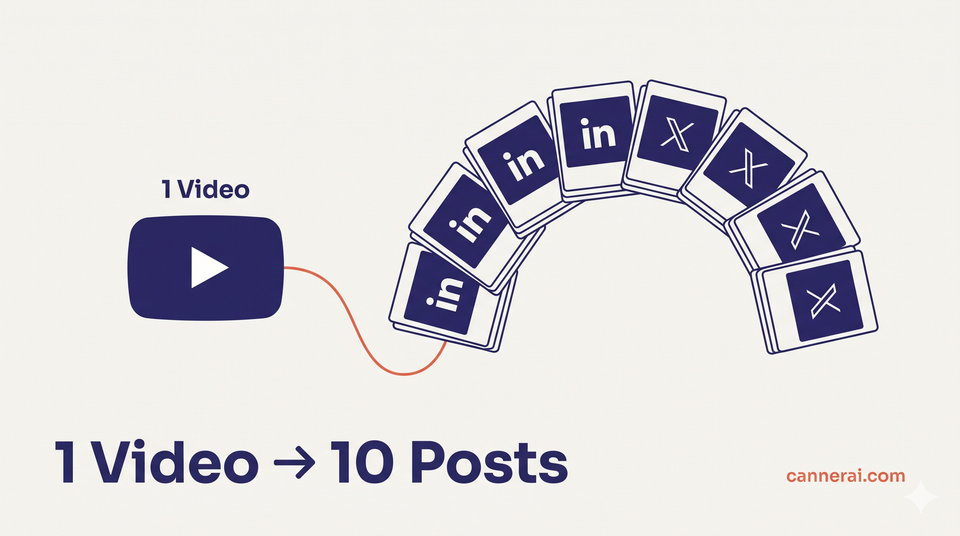
Repurposing YouTube content for LinkedIn means turning one video into multiple platform native posts key insight posts, thread starters, opinion hooks, stat callouts, and more without rewriting everything from scratch. Creators who do this consistently publish 10x more content from the same research effort. CannerAI's Connectors feature automates this entire pipeline.
You already put in the work. You scripted the video, recorded it, edited it, and published it to YouTube. Then it sits there, doing its job slowly accumulating views.
But on LinkedIn, that same video would reach a completely different audience. People who will never find you on YouTube. Decision makers, recruiters, founders, and peers who live in their LinkedIn feeds but barely open YouTube. Same effort, zero distribution overlap.
That is the gap repurposing fills. And once you have a system for it, one video stops being one piece of content. It becomes ten.
Table of Contents
- Why Repurposing Is the Highest-ROI Content Move
- The YouTube to LinkedIn Breakdown
- The YouTube to X Thread Formula
- Maintaining Your Voice Across Platforms
- Using AI to Automate the Repurposing Workflow
- FAQs
Why Repurposing Is the Highest-ROI Content Move
Most creators think about content as a single output. Write one post. Film one video. Move on.
The problem: you spend the same prep time the reading, the research, the thinking whether you publish in one place or five. The thinking is already done. The distribution is not.
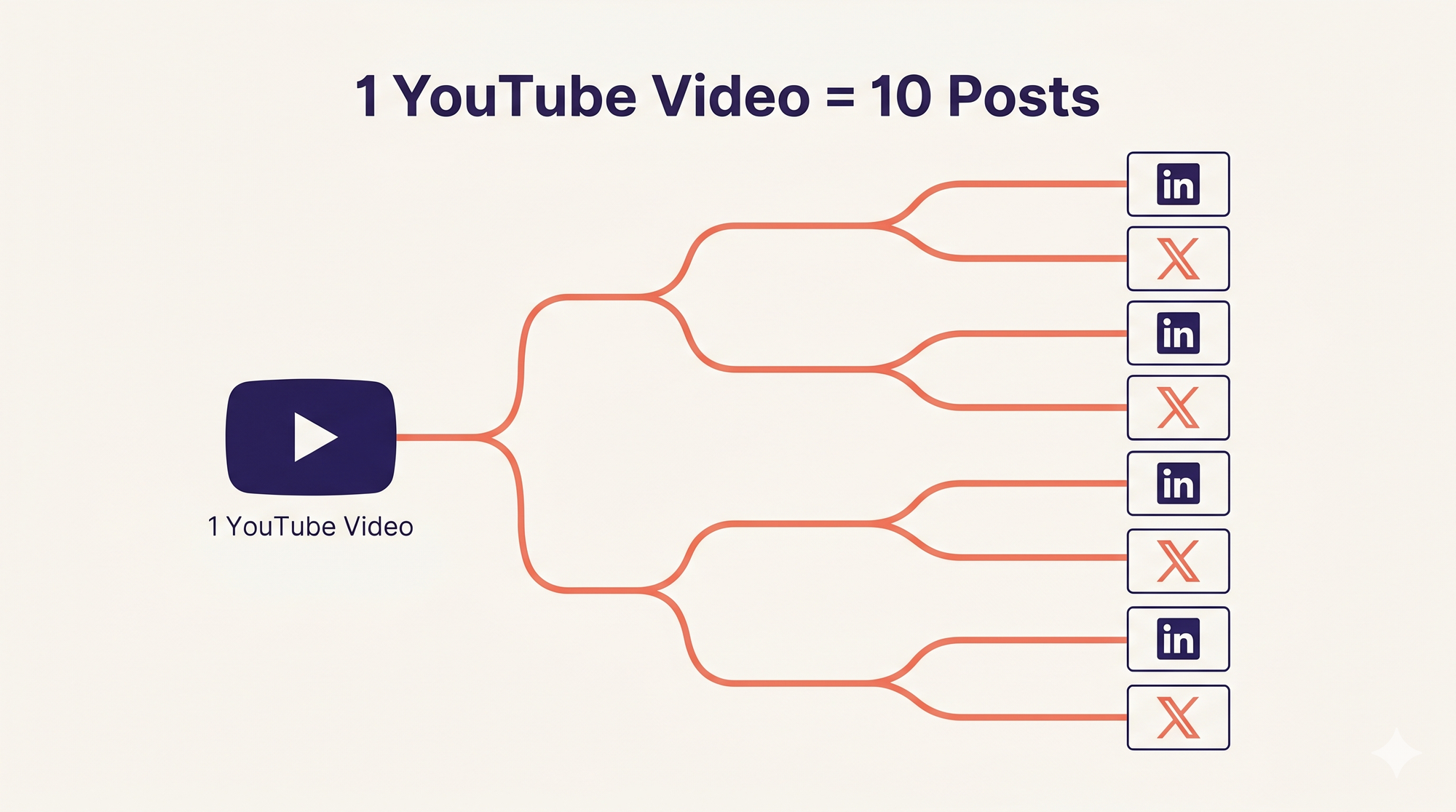
This is the foundation of the 1:10 content ratio. One piece of long form content (a video, a podcast episode, a deep dive article) contains enough raw material for at least ten shorter pieces across other platforms.
A 12 minute YouTube video typically covers:
- One central argument or insight
- Two or three supporting examples
- At least one personal story or lesson
- A few data points or references
- A clear framework or takeaway
Each of those is a standalone LinkedIn post or X thread waiting to be written. You are not repeating yourself. You are packaging the same thinking for a different medium, with a different audience, in a different format.
For LinkedIn specifically, this matters. The platform rewards consistent posting creators who publish more frequently tend to build compounding reach over time. But consistency is hard to maintain when every post requires starting from scratch. Repurposing solves that without burning you out.
The YouTube to LinkedIn Breakdown
LinkedIn is a professional network, but it responds to human stories and specific insights not brand announcements or generic tips. When you repurpose a YouTube video for LinkedIn, the goal is to extract the most human, specific, or surprising element and lead with that.
Here are five post formats that work directly from a single video:
1. Key points post Pull the three to five most valuable things a viewer would take away. Format them as a concise, skimmable list with a strong opening hook. This is the most straightforward post type, and it works because it saves the reader time they get the insight without watching 12 minutes.
2. Personal lesson post Every video has a moment where you share something from experience. A mistake you made, something that surprised you, a moment where your understanding shifted. That story beats any tip list on LinkedIn because it is specific and real. Write that moment as a standalone 200 word post.
3. Behind the scenes post Why did you make this video? What question prompted it? What did you almost get wrong in the research? The context around the video is often more interesting to your LinkedIn audience than the video itself.
4. Opinion hook post Take the video's central argument and make it more provocative. Where is the conventional wisdom wrong on this topic? What would most people in your industry disagree with you about? LinkedIn rewards clear, confident opinions. Find the one in your video and frame it as a standalone take.
5. Data or stat callout post If your video referenced a number, a study, or a benchmark isolate it. Write a short post that leads with the stat, gives one sentence of context, and ends with the implication for your audience. These posts are highly shareable and tend to perform well in comments.
Five posts from one video, and none of them feel like a copy paste job. They each stand alone.
The YouTube to X Thread Formula
X (formerly Twitter) is a different medium. Posts are shorter. The audience is more skeptical. And threads that do well usually feel like someone thinking out loud in public, not polishing a LinkedIn essay.
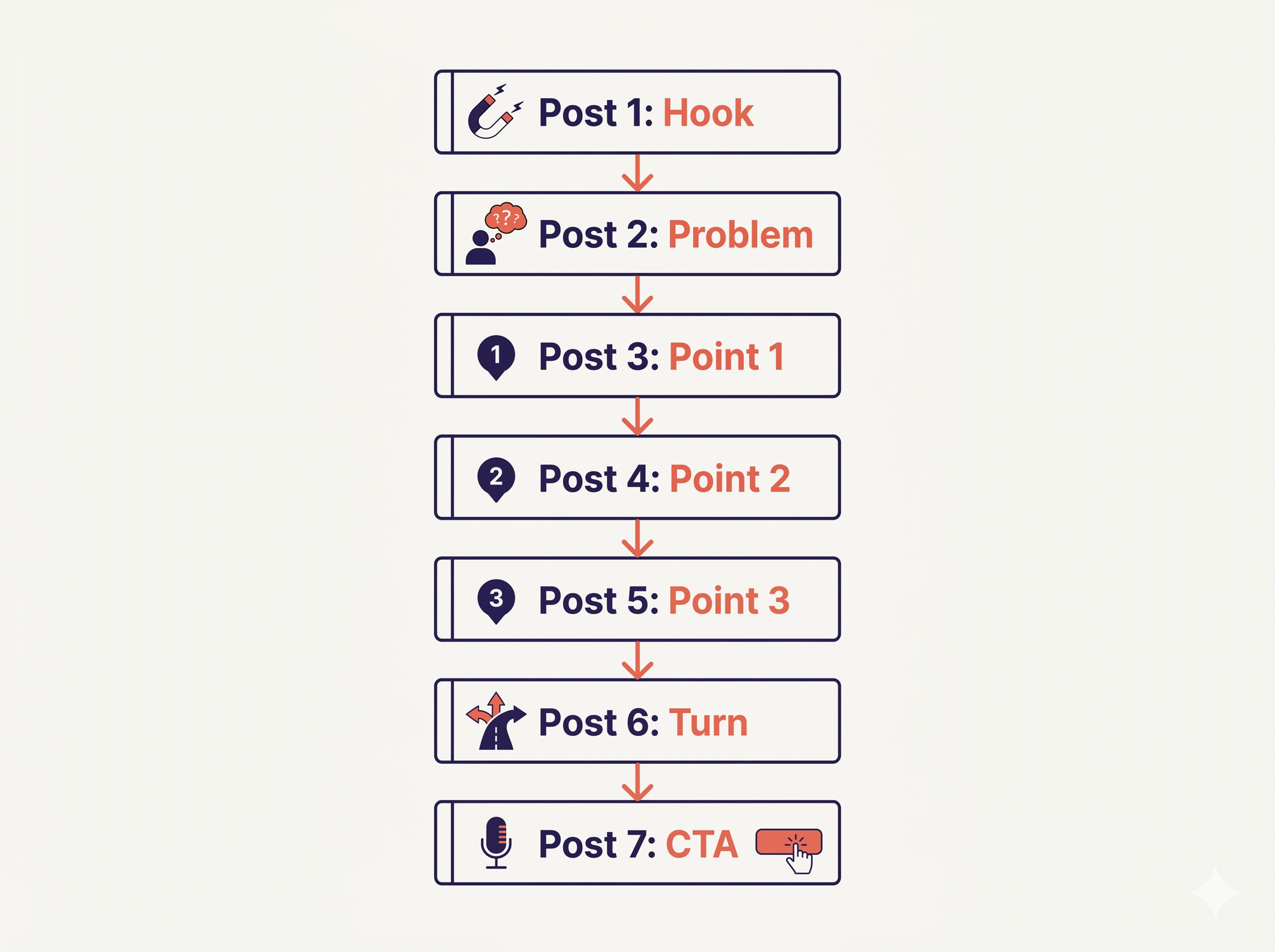
Here is a repeatable structure for turning a 10-minute YouTube video into a 7-post X thread:
Post 1 — Hook: State the most counterintuitive thing in your video. Not a teaser. Not "I made a video about X." A claim that makes someone stop scrolling. Example: "Most people repurpose content wrong. They summarize. They should be translating."
Post 2 — The problem: Set up what is broken or misunderstood about this topic. One to two sentences.
Posts 3, 4, 5 — The body: Three specific points, insights, or steps from your video. One per post. Be concrete. Name the thing. No vague advice.
Post 6 — The turn: A personal moment, a result, or a reframe that changes how the reader sees the first five posts.
Post 7 — CTA: Not a hard sell. A question, a link to the video, or an invitation to reply. "Which of these do you use?" works better than "Watch my video here."
The thread should feel like a conversation, not a transcript. You are not summarizing your video. You are giving the reader the thinking, compressed and translated for a different context.
Maintaining Your Voice Across Platforms
Here is where most people fall short with content repurposing strategy. They take a LinkedIn post and paste it into X. Or they copy a tweet thread into a LinkedIn draft. The content is the same but the delivery feels wrong, and their audience notices.
LinkedIn and X have genuinely different tones:
LinkedIn rewards:
- First person storytelling
- Lessons framed as professional growth
- Specific outcomes and results
- Paragraphs with white space between them
X rewards:
- Shorter, punchy sentences
- Opinions stated without hedging
- Questions that spark debate
- Hot takes that invite disagreement
Your voice is the constant. The packaging is what changes. The way you would explain the same idea to a colleague at a conference (LinkedIn) is different from how you would explain it in a group chat (X). Neither version is wrong. They are just calibrated for different social contracts.
The best test: read your post out loud. Does it sound like you talking to a specific type of person? Or does it sound like a press release?
If you have been posting on LinkedIn and X for a while, you already know how you sound on each. The goal is to preserve that when you are repurposing not to write from scratch each time, but to translate, not transcribe.
Using AI to Automate the Repurposing Workflow
The manual version of this system works. It just takes time. And time is exactly the problem most creators are trying to solve.
Here is what the manual workflow looks like:
- Finish your YouTube video
- Pull or generate a transcript
- Read through it and highlight the key insights
- Open a new doc and write a LinkedIn post from the highlights
- Open another doc and write an X thread
- Edit both for tone and platform fit
- Copy into Buffer, Typefully, or wherever you schedule posts
- Schedule and publish
That is seven steps. And if you publish weekly, you are doing that seven times a month, every month.
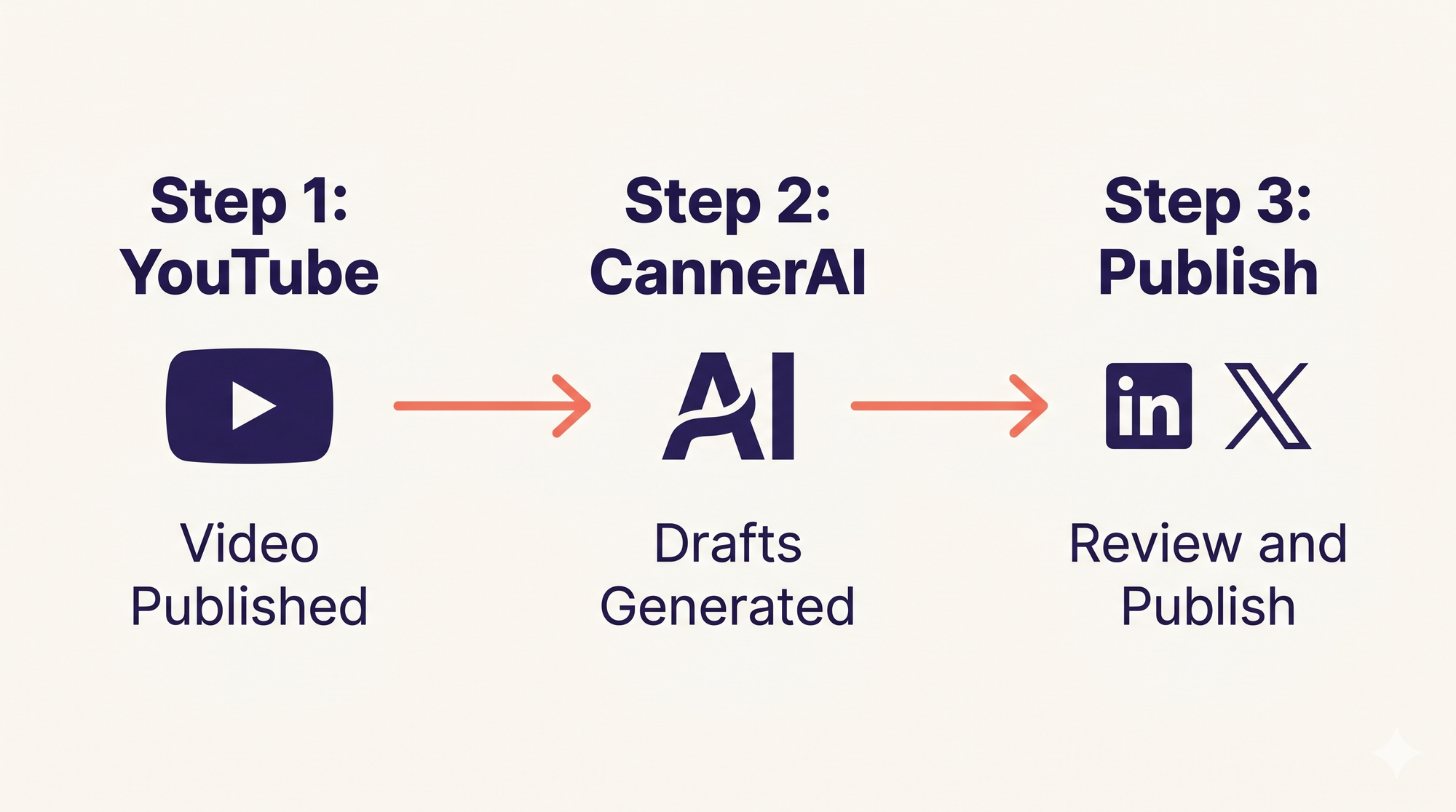
The automated version, using CannerAI's Connectors feature, compresses that to three:
- Connect your YouTube channel to CannerAI once
- When you publish a new video, CannerAI auto-fetches the content and generates LinkedIn and X post drafts in your personal voice
- Review the drafts, approve or edit, and publish directly from CannerAI
CannerAI's Connectors work by monitoring any YouTube channel you connects your own channel or channels you follow and generating multiple post drafts in your style whenever a new video goes live. The system has already learned your tone, your niche, and the way you structure your thinking. The drafts it produces are not generic summaries. They are written to sound like you.
CannerAI's Creator plan includes 30 Connectors per month, enough to cover weekly publishing across multiple channels or formats, without any manual transcript work.
See CannerAI pricing plansThe individual plan gives you 10 YouTube to Post repurposes per month enough if you are publishing one or two videos a week and want to test the workflow. The Creator plan extends that to 30, which covers weekly posting across multiple channels or content types.
The full step by step workflow in CannerAI:
- Open CannerAI and go to Connectors (the broadcast icon in the sidebar)
- Click + Add YouTube Connector and paste your channel URL
- CannerAI monitors the channel from that point forward
- When a new video publishes, you get drafts waiting in your dashboard
- Review each draft approve, edit the tone, or reject
- Schedule or publish directly to LinkedIn and X
For creators like Piyush Sachdeva, who built CannerAI partly to solve his own five tab workflow problem, this is the exact system that makes consistent posting sustainable. You create the video. CannerAI handles the distribution drafts. You stay the editor, not the writer.
If you want to understand how CannerAI compares to other scheduling and repurposing tools, the CannerAI vs Taplio breakdown covers where each tool fits. For a broader look at what is available, the 10 best AI tools for LinkedIn in 2026 is a good reference point.
FAQs
What does it mean to repurpose YouTube content for LinkedIn?
Repurposing YouTube content for LinkedIn means taking the insights, stories, and frameworks from your videos and rewriting them as platform-native LinkedIn posts. You are not linking to the video and calling it a post. You are extracting the substance key lessons, opinions, data points and writing each as a standalone piece of content that works for LinkedIn readers who may never watch your video.
How many LinkedIn posts can I get from one YouTube video?
A 10 to 15-minute video comfortably yields five to ten LinkedIn posts. These include a key points post, a personal story post, an opinion hook, a stat callout, and a behind-the-scenes post each drawing on a different layer of the same video. You are not repeating yourself; you are packaging the same thinking for skimmers, scrollers, and searchers.
Is it okay to post the same content on LinkedIn and X?
You can use the same ideas on both platforms, but the format has to change. LinkedIn rewards longer paragraphs, personal stories, and professional framing. X rewards short sentences, strong opinions, and thread structures. Posting the same text on both without editing it for the medium tends to underperform on both. Translate, do not transcribe.
What is the best tool for repurposing YouTube videos into LinkedIn posts?
CannerAI's Connectors feature is built specifically for this. You connect your YouTube channel, and when a new video publishes, CannerAI generates LinkedIn and X post drafts in your personal voice automatically. No transcript work, no copy-pasting into ChatGPT, no manual reformatting. Individual plan includes 10 repurposes per month; Creator plan includes 30.
How long does it take to manually repurpose one YouTube video?
Done manually pulling a transcript, reading it, identifying insights, drafting posts for each platform, editing for tone, and scheduling repurposing one video typically takes 60 to 90 minutes per platform. With an automated workflow using CannerAI's Connectors, that drops to a review and approve step of under 5 minutes.
Does content repurposing hurt SEO or feel repetitive to my audience?
No, for two reasons. First, your YouTube audience and your LinkedIn or X audience largely do not overlap most people who follow you on LinkedIn do not watch your YouTube channel, and vice versa. Second, repurposing is not copying. Each post is a new piece of writing targeting a different format and reader intent. You are not publishing duplicates; you are publishing translations.
Can I repurpose content from YouTube channels I do not own?
You can take inspiration from any public YouTube video insights, ideas, and frameworks are not copyrightable. What you write as your own commentary, reaction, or analysis based on that content is yours. CannerAI's Connectors supports connecting both your own channels and channels you follow, so you can generate posts based on other creators' videos as long as your output is your own original take.
Member discussion